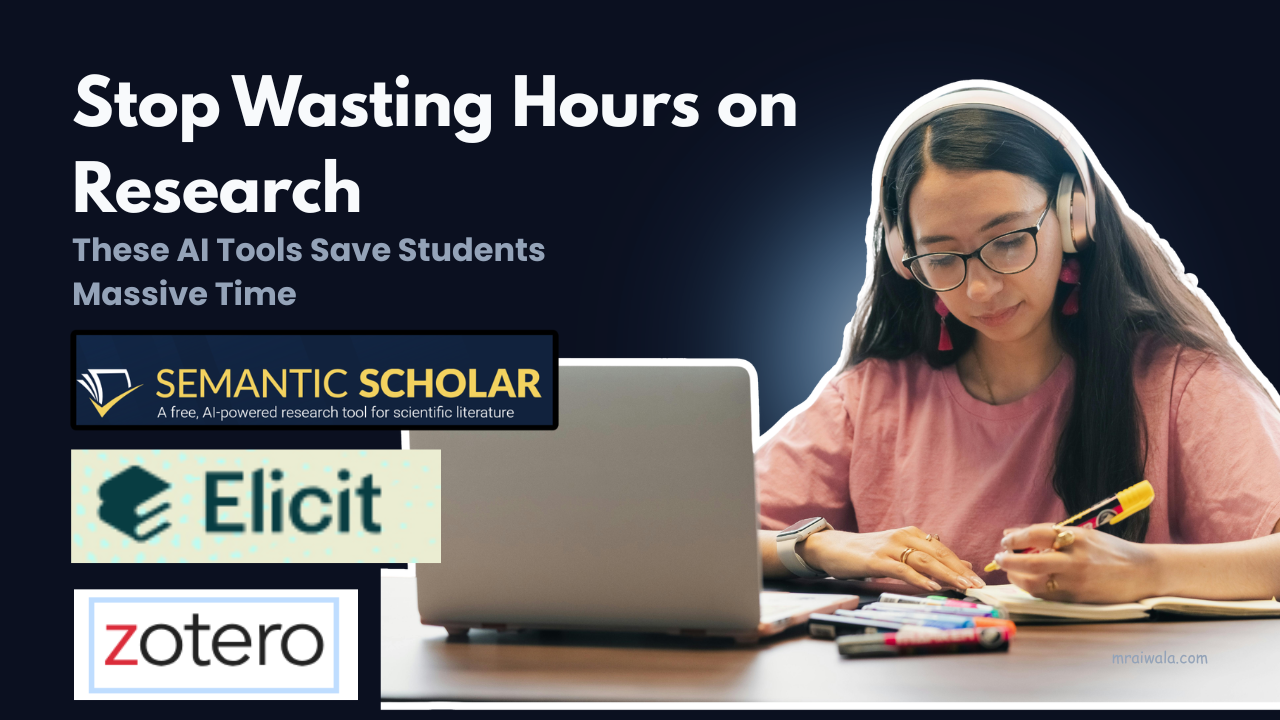

Seventeen tabs open. Somewhere in there is the citation you need, but you can’t find it. This is exactly where AI tools for students can make research papers faster and easier to manage.
You know how research works. You’re not lost. You’re just buried under it, tired in a way that’s hard to explain, because from the outside it looks like you’ve done nothing.
A literature review done the old way easily takes 8 to 10 hours. With the right workflow, that same review takes 2 to 3. Not because you read less carefully, but because you stop wasting time on papers that were never relevant in the first place.
Two things before we go further. These tools are most useful if you’re writing a thesis chapter, a literature review, or a research-heavy essay where the hard part isn’t writing, it’s finding and verifying the right sources before you can write anything. If your assignment needs two or three references, the overhead isn’t worth it.
And if you’re hoping AI will write the paper for you, stop here. These tools handle finding, filtering, and organising the argument, the analysis, and the actual thinking that’s still yours.
At a glance, the tools used in this research workflow
| Tools | Primary Use |
|---|---|
| Semantic Scholar | Finding relevant research papers |
| Research Rabbit | Discovering related studies you missed |
| Elicit | Summarising papers quickly |
| Consensus | Answering research questions with published studies |
| Scite | Checking whether a citation is actually reliable |
| Zotero | Managing and formatting all your references |
| Perplexity AI | Understanding unfamiliar concepts fast |
The rest explains how each works, where it breaks, and how to use them in sequence. If you want the workflow, skip to the last section.
Most students start in the wrong place.
They find one paper, read it fully, then go looking for more. That’s slow, and it gives you a literature review that reflects one researcher’s reading list, not the actual shape of the field. Finding should come first, in bulk, before you read anything properly.
1 . Semantic Scholar is best AI tool for students to find research papers. It finds
papers by meaning, not just keywords. Useful when your search terms are vague but your research question is clear.
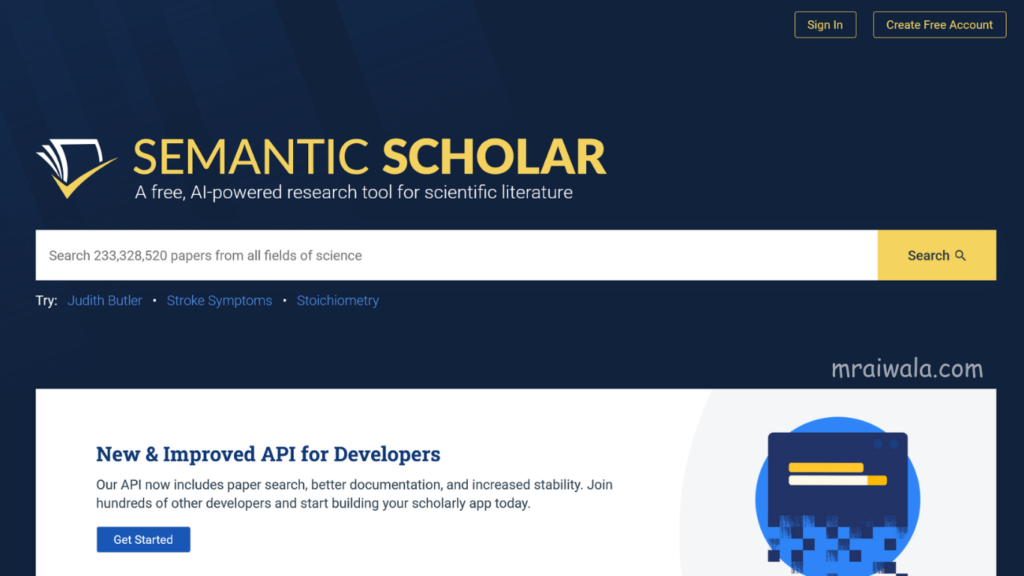
Free academic search engine that understands meaning, not just keywords. Search “how poor sleep affects exam performance,” and it surfaces papers on memory consolidation, cognitive load, and sleep architecture, not just papers that use those exact words. Use the filters: year, field, citation count. They often matter more than the query itself.
The limitation: many papers are paywalled. Semantic Scholar shows you they exist, not always the full text. Your institution’s library login or Sci-Hub handles that separately.
2 . Research Rabbit Best for Discovering Related Work
Maps the citation network around papers you already have. Surfaces important studies you’d otherwise find hours later.
Drop in two or three papers you’ve already found. Research Rabbit maps the network around them, what they cite, what cites them, and what shares the same references. It consistently surfaces the one study that keeps appearing in everyone’s bibliography, the one you’d have found three hours later on your own. Free, takes an hour to learn, worth it.
Improve your research writing with The Craft of Research (book)
Check the latest price on Amazon.
United States | India
Reading is where most time disappears.
Academic writing is often bad. Not wrong, bad. Dense, passive findings are buried in the discussion. You shouldn’t need 30 minutes on a methods section to determine whether a paper is relevant.
3 . Elicit Best for Summarising Papers:
Extractkey findings and methods in plain language. Helps you triage ten papers in the time it used to take to read two.
Paste a paper in, get the key findings, methodology, and conclusions in plain language. For literature reviews where you’re assessing 10 or 15 papers quickly, this is the tool that makes the most difference.
The limitation: Elicit flattens nuance. Subtle contributions, a replication with a different age group, or a small but important methodological variation can disappear in the summary. Always read the abstract and conclusion yourself before citing. Use Elicit to decide what deserves a full read, not to avoid reading altogether. The free plan has a monthly query limit. Be selective.
4 . Consensus Best for Research Questions
Ask it a direct question, “Does caffeine improve short-term memory?” and it tells you what the published literature says, with citations. Useful early on, when you want to understand the state of evidence before you’ve read anything deeply.
Watch for this: it doesn’t weigh studies. A 50-person trial from 2009 can sit next to a 2022 meta-analysis as if they’re equal. They aren’t. Read what it cites before trusting what it concludes.
Two things that matter more than people admit. (AI Tools for Students)
5 . Scite Best for Citation Reliability:
Shows whether later research supported or challenged a paper. Tells you what citation count never does.
Scite shows you not just how often a paper has been cited, but whether researchers agreed with it, challenged it, or just referenced it in passing. A paper with 300 citations looks solid. But if 80 of those citations are researchers questioning its methodology, you need to know that before building an argument on top of it.
The catch: the useful features are paywalled. The free version gives you enough to flag whether something is worth a closer look. If your institution has access, use it to its fullest. If not, free tier plus Google Scholar’s “cited by” is a workable alternative.
6 . Zotero Best for Managing References
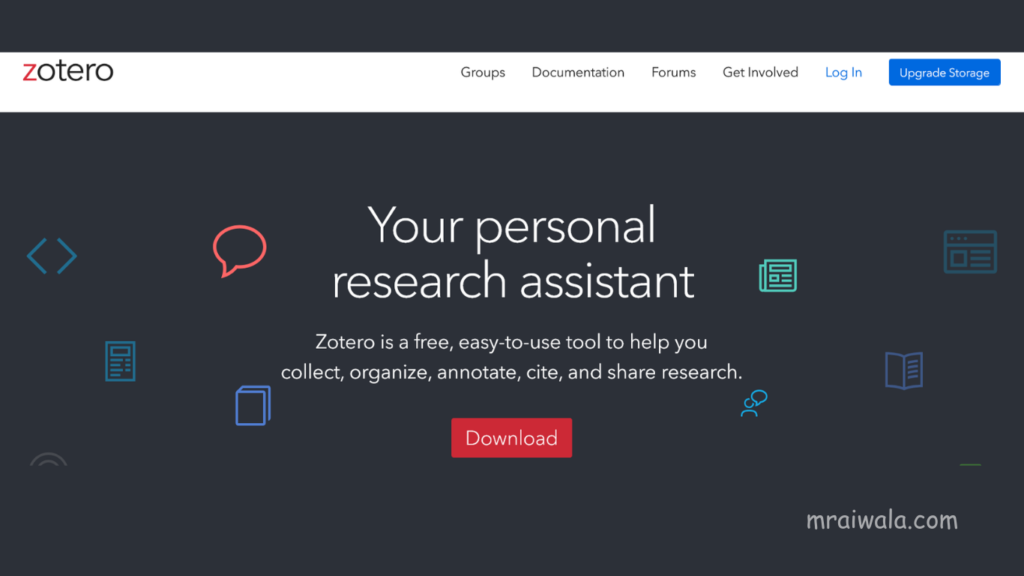
Install the browser extension. Every time you open a research paper, one click saves it with full citation metadata, author, journal, year, and DOI. When you’re done writing, it generates your bibliography in whatever format you need. Completely free, no meaningful limits.
One thing to always do: scan the final bibliography before submitting. Zotero occasionally captures metadata incorrectly, such as a truncated journal name, a missing page number, or an author’s name formatted incorrectly. Five minutes of checking has saved many students from avoidable errors.
7 . Perplexity AI Best for Understanding Concepts
You’re reading a paper and hit a framework you don’t recognise. You need to understand it in ten minutes, not spend an afternoon on it. Perplexity does this well: a direct question, a clear answer, and sources attached. The free version is enough.
Don’t cite it. Use it the way you’d use a well-read friend, good for getting your bearings, not for building your argument.
AI Tools for Students Mistakes that quietly waste the most time.
These aren’t careless errors. They’re habits that feel productive as they happen.
Reading before checking relevance. Most students open a paper and read it fully before deciding if it fits. Abstract, conclusion, and a skim of the results. If it doesn’t connect to your question within five minutes, move on. Elicit, and Semantic Scholar’s filters exist exactly for this.
Trusting citation count. A paper cited 400 times feels authoritative. But citation count tells you a paper is known, not trusted. Some of the most cited papers exist because researchers kept disproving them. Check Scite before you assume.
Formatting references manually. Hard to justify in 2026, but it still happens, copying author names, getting APA comma placement wrong, and redoing it twice. Zotero does this in one click after two hours of setup. The time spent doing it by hand is just gone.
What this looks like in practice.
Your paper is on sleep deprivation and memory in college students. You search Semantic Scholar, save six relevant papers. Drop three into Research Rabbit it surfaces a 2017 meta-analysis that every subsequent paper in this area cites. You’d have found it eventually. You found it in four minutes.
Fourteen papers now. Run the uncertain ones through Elicit. It tells you which four are about declarative memory and which are about reaction time or mood. You’ve just skipped reading four papers in full.
Before citing three of the stronger studies, you check them on Scite. One well-cited one looks solid, but has a messy citation history. Later studies partially replicated it, partially didn’t. You still use it, but carefully, noting the mixed evidence. That’s a more honest paper because of a five-minute check.
Everything into Zotero as you go. Not at the end.
Two hours. Not ten.
The sequence.
Semantic Scholar → find your core papers. Research Rabbit → find what you missed. Elicit → decide what’s worth reading fully. Consensus → understand the state of evidence. Scite → check if your sources actually hold up. Perplexity → understand anything confusing. Zotero → save everything as you go, bibliography at the end.
That’s the whole workflow.
The time lost to irrelevant papers, manual citations, methods sections that turned out to matter nothing, none of that is where your thinking should go.
The research won’t get easier by waiting. Open Semantic Scholar, type the actual question, the raw one, not the polished version, and let the work begin.
If you read research papers for hours, many students switch to a Kindle Paperwhite to reduce eye strain, stay focused longer, and make long reading sessions more comfortable.
Check the latest price on Amazon.
United States | India
Related Posts📌
How to Use Perplexity AI to Find Research Papers Faster for Students

1 thought on “AI Tools for Students to Write High-Quality Research Papers 10x Faster”